블로그 약 Guide Diagnosing Laptop LCD Failures With a Multimeter

인증
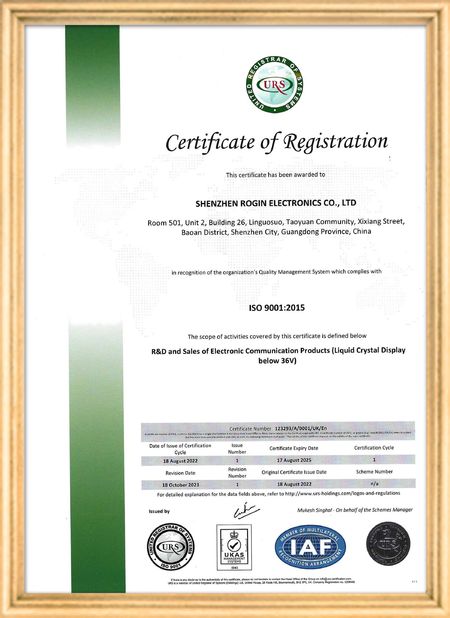
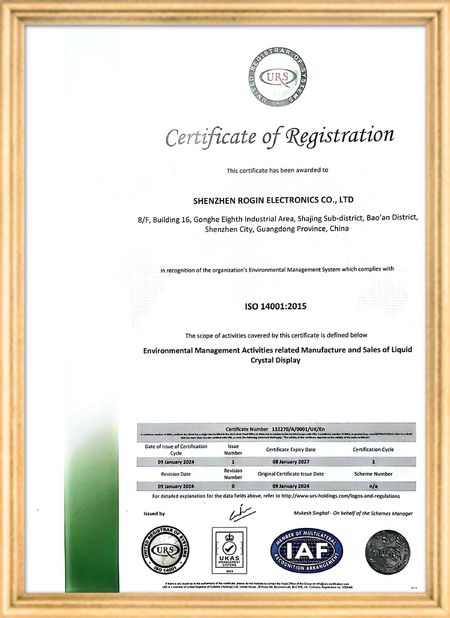
중국 Shenzhen Rogin Electronics Co., Ltd. 인증
고객 검토
이 디스플레이는 전동차에서 완벽하게 작동합니다. 높은 밝기, 반등 방지, 그리고 장기적인 진동에도 안정적입니다. 승객들은 맑은 시야를 좋아합니다.

—— 카스퍼 소렌센

정확한 색상, 빠른 반응, 정상적인 낮은 온도 시작

—— 니콜 베커

쉬운 설치, 넓은 온도 범위, 밝은 환경에서의 뛰어난 가시성. 이 디스플레이는 당사의 모든 산업 장비 요구 사항을 충족합니다.

—— 조반니

이 높은 밝기의 LCD는 산업용 제어판에 적합합니다. 그들은 직접적인 작업실 햇빛 아래에도 결정적으로 맑고 문제없이 24/7 작동합니다..

—— 루카스 뮬러

제가 지금 온라인 채팅 해요
회사 블로그
Guide Diagnosing Laptop LCD Failures With a Multimeter
에 대한 최신 회사 뉴스 Guide Diagnosing Laptop LCD Failures With a Multimeter

When your laptop screen suddenly goes dark, don't panic. A simple multimeter can help you quickly identify power supply issues. This guide simplifies the diagnostic process, enabling you to check your LCD screen's power supply and determine whether the problem lies with the screen itself or its supporting components.

Preparing Your Multimeter

Begin by setting your multimeter to measure DC voltage. Before testing, identify your screen's rated voltage—typically marked near the power connector or available in the device specifications. Modern laptop screens commonly operate between 3.3V to 19V, depending on the model.

Testing Procedure

With the laptop powered off, carefully connect the multimeter probes to the screen's power connector terminals:

  • Place the red probe on the positive (+) terminal
  • Place the black probe on the negative (-) terminal or ground

Power on the device and observe the multimeter reading. Compare this measured voltage with your screen's rated voltage.

Interpreting Results

If the reading shows significantly lower voltage than specified or no voltage at all, potential issues include:

  • Faulty power adapter
  • Damaged motherboard power circuits
  • Loose or damaged cable connections

Systematically check each component: try a different adapter, inspect motherboard connections, and reseat all cables. If voltage readings return to normal after any intervention, you've likely found your culprit.

When voltage measurements match specifications but the screen remains nonfunctional, the issue may involve the LCD panel itself, the backlight, or other screen components requiring further diagnosis.

Safety Considerations

Always disconnect power before handling internal components. When working with exposed connectors, avoid touching multiple contacts simultaneously to prevent short circuits. These basic diagnostic techniques provide valuable information for determining whether to repair or replace components.

선술집 시간 : 2026-05-18 00:00:00 >> blog list
연락처 세부 사항
Shenzhen Rogin Electronics Co., Ltd.

담당자: Mr. Kelvin Zhu

전화 번호: +86 15919061504

회사에 직접 문의 보내기 (0 / 3000)